Home Improvement
Finding the Best Home Printer in 2026: Expert Picks & Buyer’s Guide


So, you’re on the hunt for the best home printer in 2026? It’s not as simple as just grabbing the first one you see. Printers have gotten pretty fancy, and figuring out what you actually *need* can be a headache. Are you printing tons of photos, just the occasional document, or maybe both? We’ve sifted through the options, tested them out, and figured out which ones are worth your money. This guide will help you find a printer that won’t break the bank or drive you crazy with constant ink changes.
Key Takeaways
- When picking the best home printer, think about what you’ll print most. Inkjets are usually better for photos and color, while lasers are good for sharp text and speed.
- All-in-one printers are handy because they copy and scan too. If you only need to print, a simpler model might save you money.
- Don’t just look at the price tag. Check the cost of ink or toner over time, as this can add up quickly. Tank printers often have lower running costs.
- Print speed (pages per minute) and quality matter, especially if you print a lot. Faster speeds and sharp prints are nice, but they can cost more.
- Look for deals during big sales events like Black Friday. Also, make sure you’re not paying for features you’ll never use, and consider how easy the printer is to maintain.
Finding The Best Home Printer For Your Needs
So, you’re in the market for a new printer. It sounds simple enough, right? But walk into any electronics store or browse online, and you’ll quickly see there are a ton of options. It can feel a bit overwhelming, trying to figure out what actually matters. The key is to match the printer to how you’ll actually use it. Don’t just grab the first one you see; take a moment to think about your printing habits.
Understanding Printer Types: Inkjet vs. Laser
This is probably the first big decision you’ll make. You’ve got two main players: inkjet and laser. Inkjets use liquid ink, spraying tiny droplets onto the paper. They’re generally better if you print a lot of photos or colorful graphics because they handle a wider range of colors really well. On the flip side, laser printers use toner, which is a powder. They’re usually faster and produce really sharp text documents, often at a lower cost per page for black and white printing. If you’re mostly printing documents for work or school, a laser printer might be your best bet. For many users, a simple black-and-white laser printer is all they need. For example, the Brother HL-L2460DW is a solid choice if that’s your focus [c845].
Key Features to Consider: All-in-One, Photo, and Portable
Beyond the basic print function, printers come with different bells and whistles. An "all-in-one" printer, often called an MFP (multifunction printer), is super handy because it includes a scanner and a copier, and sometimes even a fax machine. If you only print occasionally, you might not need all that. Think about whether you really need to scan documents or make copies regularly. If photo printing is your main goal, look for printers specifically designed for that. They handle different photo paper sizes and often have extra ink colors for better image quality. On the other end of the spectrum, portable printers are tiny and designed for printing on the go, maybe from your phone or a laptop when you’re away from home.
Evaluating Performance: Print Speed and Quality
When you look at printer specs, you’ll see "pages per minute" (ppm). This tells you how fast the printer can churn out pages. If you print large documents or have a busy household, a faster ppm is definitely something to consider. But speed isn’t everything. Print quality is also super important. Do the letters look crisp and clear? Are the colors accurate in your photos? Most modern printers do a decent job, but if you’re printing important reports or high-resolution images, you’ll want to pay attention to reviews that talk about print quality. It’s a balance between how fast it prints and how good the final output looks.
Top Printer Recommendations For 2026
So, you’ve figured out what kind of printer you need and what features are important. Now comes the fun part: picking an actual machine! It can feel a bit overwhelming with so many options out there, but we’ve put some of the top contenders through their paces. Based on our testing, here are a few standouts that should cover most home printing needs.
Best Overall Printer: Brother INKvestment MFC-J995DW
If you’re looking for a solid all-around performer that won’t break the bank on ink, the Brother INKvestment MFC-J995DW is a strong contender. This all-in-one inkjet printer really shines when it comes to keeping running costs low. It comes with extra-large ink cartridges, and often includes a year’s supply of ink right in the box. This means the cost per page is impressively low, which is a big deal when you’re printing regularly.
Beyond the ink savings, it handles printing, scanning, and copying with good speed and quality. It’s faster than average for printing text and graphics, and its two-sided printing is also quite quick. While its color photo scans are just okay, its overall performance makes it a great choice for general home use.
Best Budget-Friendly Printer: Canon MegaTank Pixma G3290
For those on a tighter budget, the Canon MegaTank Pixma G3290 is a fantastic option. It’s an affordable all-in-one that doesn’t skimp on print quality or ink cost savings. While it might not have all the bells and whistles of more expensive models, it makes up for it with reliability and low running expenses. It’s a straightforward machine that gets the job done without costing too much over time. This is a great way to get started with printing without a huge upfront investment.
Best Printer For Students: HP Smart Tank 7602
Students need a printer that’s fast, reliable, and easy on the wallet, especially when it comes to ink. The HP Smart Tank 7602 fits the bill. It’s a speedy multifunction wireless printer that churns out documents and even photos surprisingly fast. Our tests showed it printing an 8×10 photo in under two minutes, which is much quicker than many others. The ink costs are also very low, which is a huge plus for students who print a lot.
While the setup software can be a bit clunky, and printed scans might show minor imperfections, its overall speed, print quality, and low ink expenses make it a top pick for college life. Just be prepared to create an HP Smart account to access all its features. This printer is a good example of how modern web-to-print solutions can simplify tasks for users [8633].
Specialized Printers For Specific Tasks
Not every printing need is the same, and sometimes a general-purpose printer just won’t cut it. Whether you’re aiming for gallery-worthy photos or need to print documents on the go, there are specific machines designed to excel in these areas. Let’s look at some top picks for specialized printing tasks.
Best Photo Printer: Canon Pixma TR8620
If your main goal is to produce stunning photos, the Canon Pixma TR8620 is a standout choice. It’s built with photo printing in mind, offering vibrant colors and sharp details that general printers often miss. It handles various photo paper sizes and types with ease, making it simple to get professional-looking prints right from your home. While it’s a bit more of an investment, the quality you get for your photos is hard to beat. It also includes features like a scanner and copier, so it’s not just a one-trick pony.
Best Portable Photo Printer: Canon Pixma TR150
For those who need to print photos away from a desk, the Canon Pixma TR150 is a fantastic option. This compact printer is designed for mobility. It’s small enough to fit in a bag and can even run on battery power, which is super handy if you’re traveling or don’t have easy access to an outlet. It’s perfect for printing event photos on the spot or sharing memories directly from your phone or camera. Don’t let its size fool you; it still produces impressive photo quality.
Best Printer For Small Businesses: Epson EcoTank Pro ET-5850
Small businesses often have higher print volumes and a need for reliable, cost-effective printing. The Epson EcoTank Pro ET-5850 fits this bill perfectly. Instead of traditional cartridges, it uses ink tanks that you refill from bottles. This dramatically cuts down on the cost per page, which adds up quickly in a business setting. It’s an all-in-one unit, meaning it can print, scan, copy, and fax, covering most office needs. Its robust build and high ink capacity mean less downtime and fewer interruptions, which is important for productivity.
Understanding Printer Operating Costs
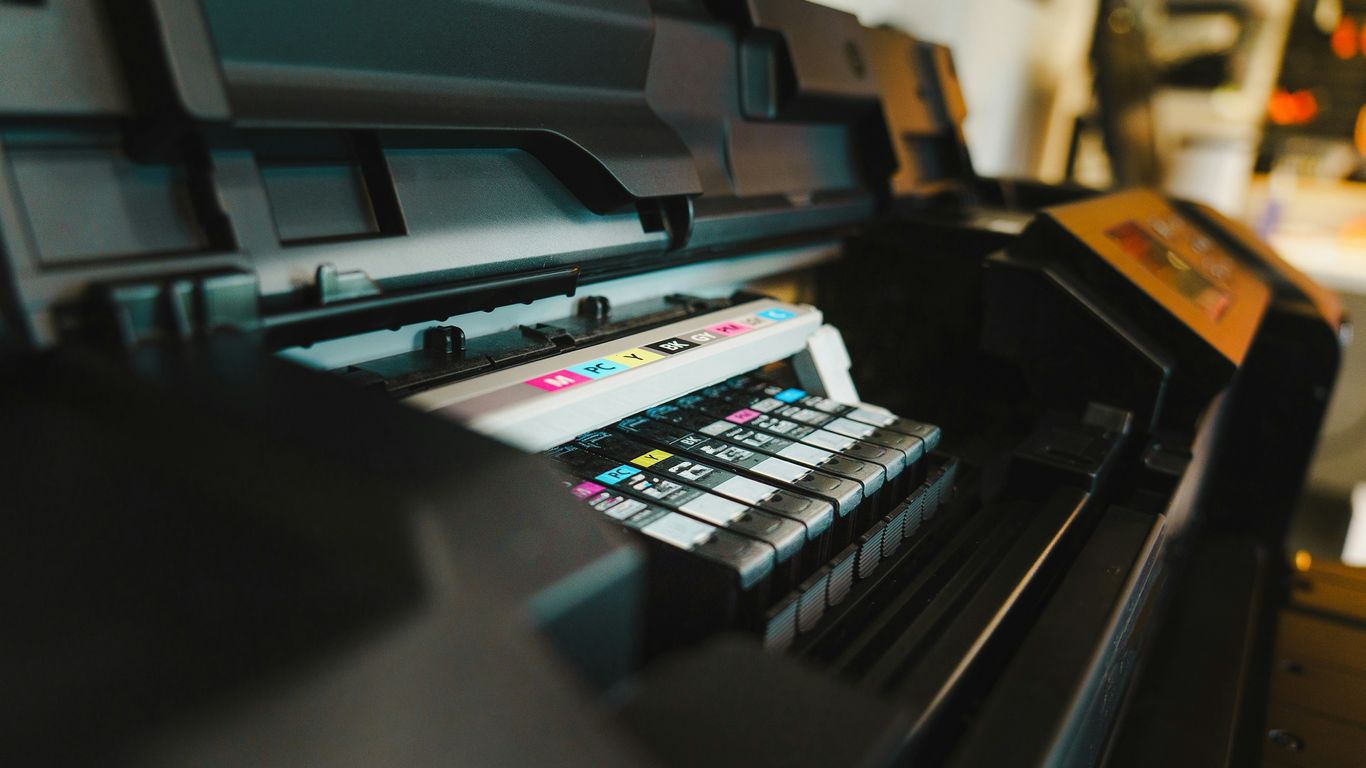
So, you’ve found the perfect printer, but before you hit ‘buy,’ let’s talk about what it’s going to cost you to actually use it. The initial price tag is just the beginning. The real money often goes into the ink or toner, and how much you print really adds up.
The True Cost of Ink and Toner
This is where things can get a bit sneaky. Inkjet printers use ink cartridges, and laser printers use toner cartridges. Both need replacing, and the cost can be surprisingly high, especially if you print a lot. It’s not just about the price of the cartridge, but how many pages it can actually print. Some cartridges might seem cheap, but if they run out after only a hundred pages, you’ll be buying them constantly.
Here’s a quick look at how costs can stack up:
| Printer Type | Typical Cartridge Cost | Estimated Pages per Cartridge | Cost per Page (Approx.) |
|---|---|---|---|
| Inkjet | $15 – $30 | 200 – 500 | $0.03 – $0.15 |
| Laser | $50 – $100 | 1,000 – 3,000 | $0.02 – $0.05 |
Note: These are general estimates and can vary widely based on brand, model, and cartridge type (standard vs. high-yield).
Strategies for Reducing Printing Expenses
Don’t worry, though, there are ways to keep these costs in check. It’s all about being smart with your choices and your printing habits.
- Go for high-yield cartridges: If available, these larger cartridges cost more upfront but print significantly more pages, lowering your cost per page. It’s a good idea to check out printer reviews for detailed cost breakdowns.
- Consider tank-based printers: Models with refillable ink tanks, like Canon’s MegaTank or Epson’s EcoTank series, often have a much lower cost per page because you buy ink in bottles, not cartridges.
- Print smarter: Use draft mode for non-essential documents, print multiple pages on one sheet if possible, and always double-check your document before hitting print to avoid reprinting.
- Subscription services: Some companies offer ink subscription services where they monitor your ink levels and send you replacements automatically. These can sometimes offer savings, especially if you print a consistent amount.
Evaluating Cost Per Page
This is probably the most important number to look at when comparing printers. The cost per page (CPP) tells you how much it costs, on average, to print a single page. You calculate it by dividing the cost of a replacement ink or toner cartridge by the number of pages it’s rated to print.
For example:
- A $20 ink cartridge that prints 400 pages has a CPP of $0.05 ($20 / 400).
- A $60 toner cartridge that prints 3,000 pages has a CPP of $0.02 ($60 / 3000).
When you’re printing hundreds or thousands of pages a year, those small differences in CPP really add up. Always look for this figure in printer reviews or specifications to get a clear picture of the long-term expenses.
Making Your Final Printer Purchase Decision
So, you’ve sifted through the types, weighed the features, and maybe even checked out some top recommendations. Now comes the part where you actually pick one. It’s easy to get caught up in all the bells and whistles, but let’s keep it practical.
When to Buy: Sales and Deals
Timing can really make a difference in your wallet. Big shopping holidays are usually your best bet for snagging a printer at a lower price. Think about events like Black Friday, Amazon Prime Day, or even Memorial Day sales if you’re in the US. Waiting for these can mean saving a decent chunk of change, especially on higher-end models. Keep an eye on prices leading up to these events so you know what a good deal actually looks like.
Avoiding Unnecessary Features
This is where you can really save money without sacrificing what you actually need. Look at the printers you’re considering and ask yourself if you’ll really use every single feature. Do you need a second paper tray if you only print a few pages a month? Is a fancy touchscreen going to get used, or will you just be fumbling with it? Focus on the core functions that matter to you and skip the extras that will just drive up the cost. It’s like buying a car – you don’t need all-wheel drive if you live in a desert.
Prioritizing Reliability and Maintenance
Don’t forget about the long game. A printer that’s constantly jamming or needs frequent repairs is going to be a headache and cost you more in the long run. While it’s hard to predict every issue, looking at reviews that mention reliability and ease of maintenance can be super helpful. Some printers are just built better and are easier to troubleshoot when things go wrong. Checking out reviews from places like Consumer Reports can give you a good idea of which brands and models tend to hold up well over time. Remember, a cheaper printer that breaks down quickly isn’t cheap at all.
So, Which Printer is Right for You?
Alright, so we’ve looked at a bunch of printers, from the all-around workhorses to the photo specialists and the budget-friendly options. It can feel like a lot, but remember, the best printer for your home really just comes down to what you need it for. Think about whether you’re printing tons of documents for work, just the occasional school paper, or if you’re all about getting those perfect family photos. Don’t forget to factor in the cost of ink, too – that can really add up over time. We’ve tried to give you a solid starting point with our top picks, but the most important thing is to match the printer’s features and running costs to your own needs. Happy printing!





ETHRA AI Reports Strong Early Momentum as Stage 1 Presale Reaches 11% Completion

Understanding Comparative Negligence in Jacksonville Personal Injury Cases

LiquidWhales Goes Live: The First Hyperliquid Whale Tracker That Grades Every Wallet Net of Fees — and Lets You Copy the Winners in One Click

SolForger Launches as a Non-Custodial Solana Developer Platform for Builders, Creators, and On-Chain Projects

Securing the Future: Jayen Consulting Officially Migrates to a New Digital Domain

Focusing on Compliance, Truoux Advances MAS License Application

Truoux Advances UK FCA License Application, Deepens Compliance Strategic Layout

Truoux Optimizes Risk Control and AML Systems, Accelerating the RMO and DAX License Application Process

Rovum Builds Momentum in On-Chain Settlement Markets

Is Professional Mold Testing Worth It?

Why Small Shipping Boxes Are Becoming the Default for 25-unit Trial Runs

Radio Ads and Personal Spending: Where Prosecutors Allege the Dynamic Money Millions Went

The $34 Million Deception: Where the Guam Charity Bingo Money Really Went

Celeste White’s Influence on Sustainable Agricultural Practices in Napa Valley

Inside the 12-Count Federal Indictment Against Fugitive Darren Anthony Robinson