
Entertainment
Mastering Twitch Clips: Your Ultimate Guide to Sharing Epic Moments


Want to get more eyes on your Twitch channel? Making and sharing great Twitch clips is a good way to do it. These short videos can grab attention and bring new viewers to your streams. This guide will walk you through how to make your Twitch clips stand out and help your channel grow.
Key Takeaways
- Pick your best moments: Use data to find parts of your stream that really grabbed people’s attention. Think about funny stuff, big wins, or times when your community was super active.
- Make your clips look good: Use editing tools to clean up your clips. Add text or change how they look to make them more interesting. This helps them get noticed.
- Let AI help you: There are tools that use AI to find highlights and even edit clips for you. This can save you a lot of time, especially if you make a lot of content.
- Share everywhere: Don’t just keep your clips on Twitch. Put them on YouTube, TikTok, and other places. This helps more people see your content and find your channel.
- Be creative with your clips: Sometimes the unexpected moments are the best. Show off live reactions or anything that might go viral. This keeps things fresh and fun.
Choosing Share-Worthy Twitch Clips
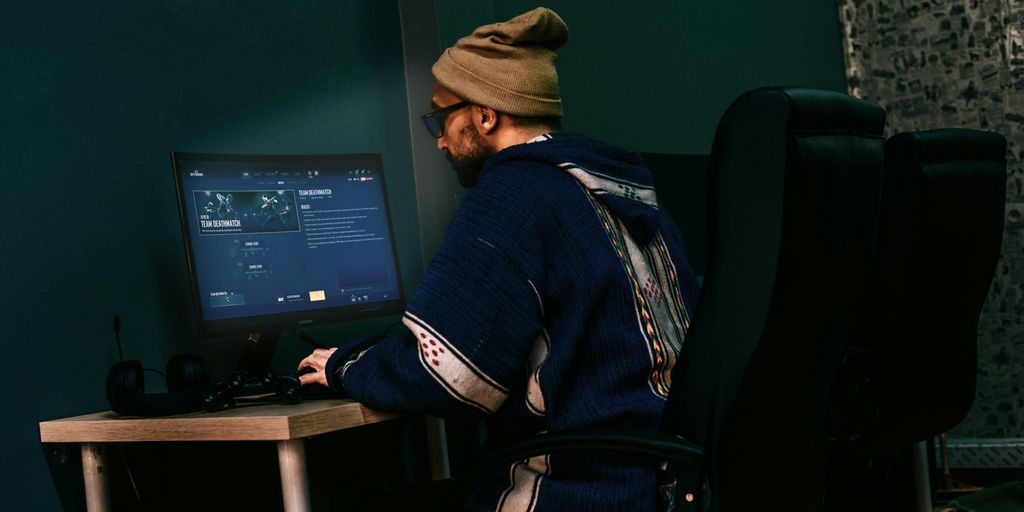
So, you wanna make some killer Twitch clips, huh? It’s not just about grabbing any random moment. It’s about finding those golden nuggets that’ll get people clicking and sharing. Think of it like panning for gold – you gotta sift through a lot of dirt to find the good stuff. Here’s how to up your clip game:
Leverage Analytics for Insights
Okay, this might sound a bit boring, but trust me, it’s important. Analytics are your friend. They tell you what parts of your stream people are actually vibing with. I mean, you could guess, but why not just know? Look for spikes in viewers, chat activity, or even just those moments where people are spamming emotes like crazy. Those are usually good indicators that something cool is happening. You can use tools like StreamBee (integrated into Streamlabs) to get a better understanding of your stream’s performance. It’s like having a cheat sheet to what your audience loves.
Capture Key Moments
This one’s pretty straightforward. What are the moments that stand out? Did you clutch a win in a game? Did you tell a particularly funny joke? Did something totally unexpected happen? These are the moments you want to grab. Think about it – people are scrolling through tons of content, so you need something that’s going to grab their attention. A good rule of thumb is to focus on moments that evoke emotion. Did you get super hyped? Were you cracking up? Did you have a live reaction to something crazy? Those are the clips that people will want to share.
Spotlight Community Engagement
Your community is what makes your stream special, so show them some love! Clip those moments where you’re interacting with viewers, giving shoutouts, or just having a good time together. These clips not only highlight the community aspect of your channel but also make your viewers feel valued. Plus, it’s a great way to attract new viewers who want to be part of something cool. Think about it: who doesn’t want to be part of a fun, supportive community? Showcasing that community engagement is a great way to grow your channel.
Editing Your Twitch Clips for Impact
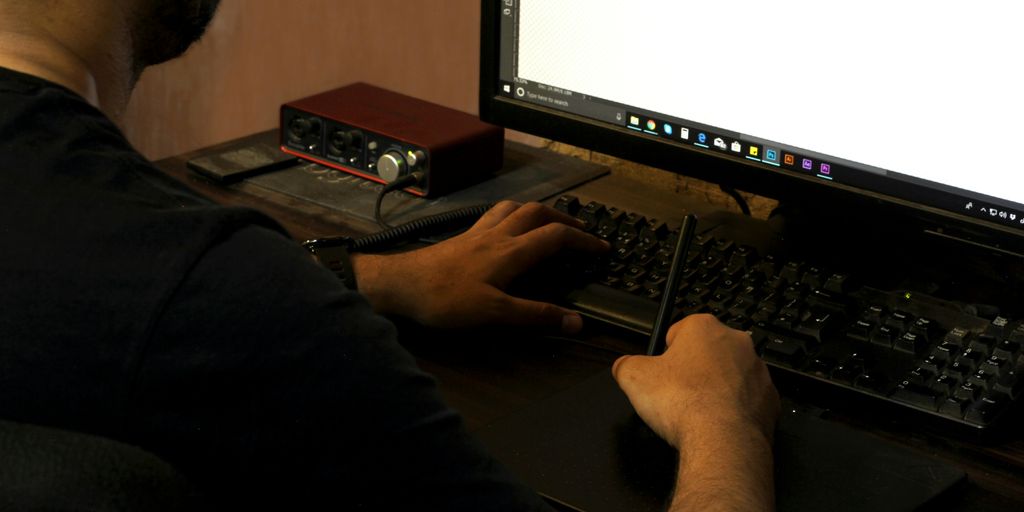
So, you’ve got some raw Twitch clips. Great! Now it’s time to polish them up and make them truly shine. Editing isn’t just about cutting out the boring bits; it’s about crafting a compelling narrative that grabs viewers’ attention and keeps them hooked. Think of it as turning raw footage into bite-sized entertainment gold. Let’s get into how you can make your clips pop!
Utilizing Streamlabs Editing Tools
Streamlabs offers some basic, but useful, editing tools right within its platform. It’s not Adobe Premiere, but it’s a solid starting point, especially if you’re already using Streamlabs for streaming. You can trim the beginning and end of your clips, adjust the volume, and even add some simple text overlays. The key here is to keep it clean and simple. Don’t overdo it with flashy effects if they don’t fit your style. Here’s a quick rundown of what you can usually do:
- Trimming: Cut out unnecessary downtime or awkward moments.
- Volume Adjustment: Make sure the audio is clear and balanced.
- Text Overlays: Add context or highlight key information.
Enhancing Clips with Subtitles
Subtitles are a game-changer, especially for viewers who might be watching with the sound off (like on their phones during a commute) or who aren’t native English speakers. Adding subtitles makes your content way more accessible and can significantly boost engagement. There are a few ways to go about this. You can manually add them in Streamlabs, use a third-party tool, or even use AI-powered subtitle generator that automatically transcribes your audio. Here’s why subtitles matter:
- Accessibility: Reaches a wider audience, including those with hearing impairments.
- Engagement: Keeps viewers watching even with the sound off.
- Clarity: Helps viewers understand complex or fast-paced content.
Customizing Visuals for Engagement
Beyond basic trimming, think about how you can visually spice up your clips. This doesn’t mean you need to become a professional video editor overnight, but a few simple tweaks can make a big difference. Consider adding a custom intro or outro, using color correction to make the visuals more appealing, or even incorporating some simple motion graphics. Remember, the goal is to grab attention and keep viewers watching. Here are some ideas:
- Color Correction: Adjust brightness, contrast, and saturation for a more polished look.
- Intros/Outros: Create a consistent brand identity with short, eye-catching animations.
- Motion Graphics: Add simple animations to highlight key moments or text.
AI-Powered Twitch Clipping Solutions
AI is changing how we make Twitch clips. It’s not just about making things faster; it’s about finding the best moments and getting them ready to share without a ton of work. If you’re not a video editing expert, don’t worry! AI tools are here to help.
Streamlining Your Workflow with AI
AI can really speed up your workflow. Instead of spending hours going through footage, AI algorithms can automatically detect highlights. This means you can focus more on creating content and less on the tedious editing process. Think of it as having a virtual assistant who knows exactly what makes a good clip. For example, tools like OpusClip can transform long videos into engaging clips.
Automating Highlight Extraction
Finding the best moments in a stream can take forever. AI changes that. It can analyze your streams and pick out the most exciting, funny, or important parts. This is super useful because:
- It saves you time.
- It helps you find moments you might have missed.
- It makes sure you’re always sharing the best content.
AI algorithms can identify things like spikes in audio, sudden movements, or even specific words or phrases that indicate a highlight-worthy moment. It’s like having a super-attentive editor watching your stream 24/7.
Saving Time with Smart Editing
Once you have your highlights, AI can also help with the editing process. Some tools can automatically add subtitles, adjust the aspect ratio for different platforms, and even create engaging visuals. This means you can create professional-looking clips in minutes, without needing any special skills. Plus, many of these tools offer customizable options, so you can still add your own personal touch. It’s all about making the process easier and faster, so you can get your clips out there and grow your audience.
Expanding Your Reach Beyond Twitch
Okay, so you’ve got your Twitch clips looking good. Now what? Time to get them out there! Don’t just let those awesome moments sit on Twitch. Let’s talk about how to spread them around and grow your audience.
Converting Clips for YouTube and TikTok
First things first, you gotta get those clips into the right format. YouTube and TikTok are the big players here, but they have different needs. YouTube loves longer, more polished content, while TikTok is all about short, attention-grabbing snippets. Think about what works best for each platform. For YouTube, you might combine several clips into a highlight reel. For TikTok, focus on the single most exciting moment. There are tools out there that can help you with AI-powered Twitch clipping to make this process easier.
Maximizing Discoverability
Okay, you’ve got your clips on YouTube and TikTok. Great! But nobody’s going to see them if you don’t put in the work. Here’s the deal:
- Titles and Descriptions: Make them good! Use keywords that people are actually searching for. Be descriptive, but also keep it snappy. Think about what would make you click on the video.
- Hashtags: These are your friends. Do some research and find relevant hashtags for your content. Don’t just throw in a bunch of random ones. Quality over quantity.
- Thumbnails: This is your first impression. Make it count! Use a bright, eye-catching image that accurately represents the clip. If you can, add some text to grab even more attention.
Growing Your Audience Across Platforms
Getting your clips out there is only half the battle. You also need to get people to follow you! Here’s how:
- Cross-Promotion: Let your Twitch viewers know that you’re on YouTube and TikTok. Put links in your Twitch panels and mention it during your streams. The same goes for your other platforms – tell your YouTube and TikTok followers to check out your Twitch channel. This is a great way to grow your audience on Twitch.
- Engage with Your Audience: Respond to comments, ask questions, and generally be active in the community. People are more likely to follow you if they feel like they’re connecting with you.
- Be Consistent: Post regularly! The more content you put out there, the more chances you have to attract new followers. Don’t just upload a clip once in a while and expect miracles. Set a schedule and stick to it.
The Art of Crafting Engaging Twitch Clips
Embrace the Unexpected
Sometimes, the best moments are the ones you don’t see coming. These unplanned, spontaneous events can be absolute gold for creating viral clips. Think about it: a funny glitch in a game, a sudden jump scare, or even just a completely random, out-of-pocket comment. These are the kinds of things that people love to share because they’re genuine and often hilarious. Don’t be afraid to highlight those unexpected moments; they can really set your clips apart.
Highlighting Live Reactions
Live reactions are a huge part of what makes Twitch so engaging. When something exciting happens in a game, or when a viewer says something funny in chat, your reaction is part of the experience. Capturing those moments of genuine surprise, excitement, or even frustration can make for incredibly compelling clips. People connect with authenticity, and there’s nothing more authentic than a real-time reaction. Here’s a few types of reactions that can be great for clips:
- Jump Scares: The classic, always gets a laugh.
- Clutch Plays: Showcasing the relief and excitement of a win.
- Funny Chat Interactions: Highlighting the community aspect.
Creating Viral Sensations
Going viral is the dream, right? While you can’t force it, you can definitely increase your chances by focusing on creating content that’s easily shareable and relatable. Think about what makes people want to pass something on to their friends. Is it funny? Is it heartwarming? Is it shocking? Clips that evoke strong emotions tend to do well. Also, keep an eye on trending topics and memes. If you can find a way to incorporate them into your stream in a natural way, it could give your clips a boost. Consider using a Twitch clip maker to help you find the best moments.
Step-by-Step Twitch Clip Creation
Recording and Uploading Your Content
Okay, so you want to make some awesome Twitch clips? First, you gotta have something to clip! This means either streaming live or uploading a past broadcast. If you’re streaming, just do your thing! If you’re using a past broadcast, head over to your Twitch Video Producer dashboard. It’s where all your past streams live. Find the one you want to clip from. Easy peasy.
Clipping and Editing Your Footage
Alright, you’ve got your footage. Now for the fun part: clipping! Hover over the video and click the "Clip" icon. This opens the Twitch clip editor. From here, you can drag the start and end points to select the exact moment you want to capture. Think of it like cutting out the best part of a movie scene. You can add a title to your clip, something catchy that’ll make people want to watch. Once you’re happy with your selection, hit that "Publish" button. You can also use a Twitch editor to add subtitles, resize, crop, and add text.
Downloading and Sharing Your Masterpiece
So, you’ve made your clip. Now what? Well, Twitch gives you a few options. You can share it directly to social media like Twitter or Facebook. You can also grab the link and paste it wherever you want. But what if you want to download the clip? That’s where things get a little trickier. Twitch doesn’t offer a direct download option. You might need to use a third-party tool or website to download your clip. Once you’ve got it downloaded, you can upload it to YouTube, TikTok, or anywhere else you want to convert Twitch videos into clips for other platforms. Get ready for internet fame!
Conclusion
So, that’s pretty much it! Getting good at making Twitch clips is a simple way to show off your best stuff and get more people to watch your channel. It’s not just about cutting out cool moments; it’s about picking the right ones, making them look good, and then getting them out there for everyone to see. When you do this, you’re not just sharing a video; you’re building up your community and making your channel bigger. Keep at it, and you’ll see your audience grow.




Prosecutors Say Jason Finkelstein Spent 11 Seconds Reviewing Cardiac Images Before Clearing a Teenage Athlete

Prosecutors Say Jason Finkelstein Spent 11 Seconds Reviewing Cardiac Images Before Clearing a Teenage Athlete
Prosecutors Say Jason Finkelstein Spent 11 Seconds Reviewing Cardiac Images Before Clearing a Teenage Athlete
Prosecutors Say Jason Finkelstein Spent 11 Seconds Reviewing Cardiac Images Before Clearing a Teenage Athlete

Prosecutors Say Jason Finkelstein Spent 11 Seconds Reviewing Cardiac Images Before Clearing a Teenage Athlete
Prosecutors Say Jason Finkelstein Spent 11 Seconds Reviewing Cardiac Images Before Clearing a Teenage Athlete

Prosecutors Say Jason Finkelstein Spent 11 Seconds Reviewing Cardiac Images Before Clearing a Teenage Athlete
Prosecutors Say Jason Finkelstein Spent 11 Seconds Reviewing Cardiac Images Before Clearing a Teenage Athlete
Prosecutors Say Jason Finkelstein Spent 11 Seconds Reviewing Cardiac Images Before Clearing a Teenage Athlete

Prosecutors Say Jason Finkelstein Spent 11 Seconds Reviewing Cardiac Images Before Clearing a Teenage Athlete
Prosecutors Say Jason Finkelstein Spent 11 Seconds Reviewing Cardiac Images Before Clearing a Teenage Athlete
Prosecutors Say Jason Finkelstein Spent 11 Seconds Reviewing Cardiac Images Before Clearing a Teenage Athlete
Prosecutors Say Jason Finkelstein Spent 11 Seconds Reviewing Cardiac Images Before Clearing a Teenage Athlete

Prosecutors Say Jason Finkelstein Spent 11 Seconds Reviewing Cardiac Images Before Clearing a Teenage Athlete
Prosecutors Say Jason Finkelstein Spent 11 Seconds Reviewing Cardiac Images Before Clearing a Teenage Athlete

-
Alternative Energy4 days ago
Brian Rowan’s Possible Defense: No Intent, No Control, No Fraud, Just Sales
-
Alternative Energy4 days ago
Federal Grand Jury Indicts Oren Shachar in Hospice Fraud Case
-
Education4 days ago
Daniel Cullen Delafield on Bridging Executive Leadership and Skilled Trades Development
-
Business4 days ago
How Darrell Seale Builds High-Performing Teams Through Service-Based Leadership
-

 News2 days ago
Prosecutors Say Jason Finkelstein Spent 11 Seconds Reviewing Cardiac Images Before Clearing a Teenage Athlete
-
News1 day ago
Prosecutors Say Jason Finkelstein Spent 11 Seconds Reviewing Cardiac Images Before Clearing a Teenage Athlete
-
News2 days ago
Prosecutors Say Jason Finkelstein Spent 11 Seconds Reviewing Cardiac Images Before Clearing a Teenage Athlete
-
News1 day ago
Prosecutors Say Jason Finkelstein Spent 11 Seconds Reviewing Cardiac Images Before Clearing a Teenage Athlete